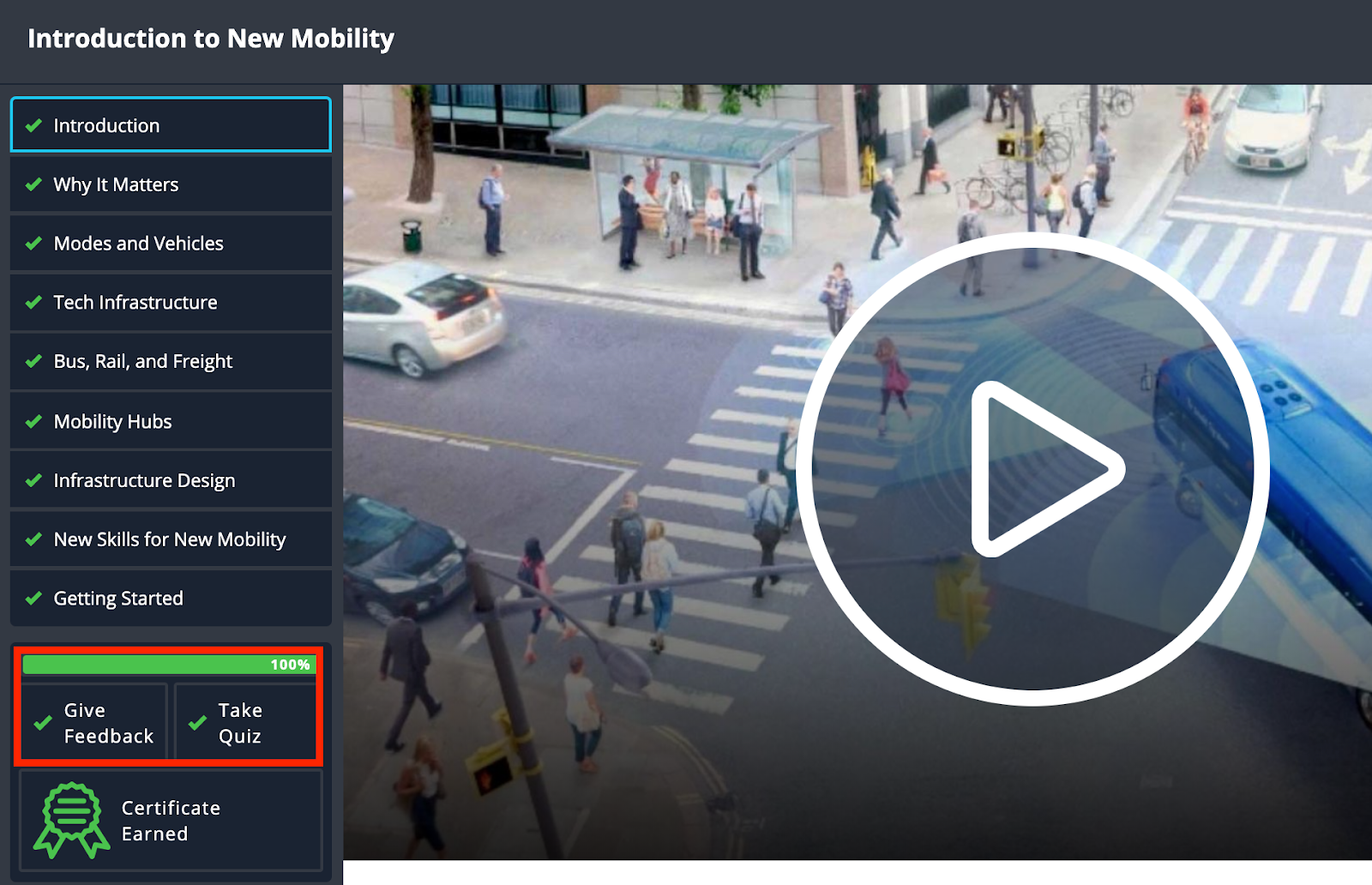
Once you have completed viewing all chapters you will need to give feedback and take a brief quiz on the course.
If your certificate does not pop up right away, leave the page and come back to the course and your certificate should show up.
You can view all certificates under “My Courses” in your user dashboard.
Was this article helpful?
That’s Great!
Thank you for your feedback
Sorry! We couldn't be helpful
Thank you for your feedback
Feedback sent
We appreciate your effort and will try to fix the article